Quick verdict
Is GemLoot worth using?
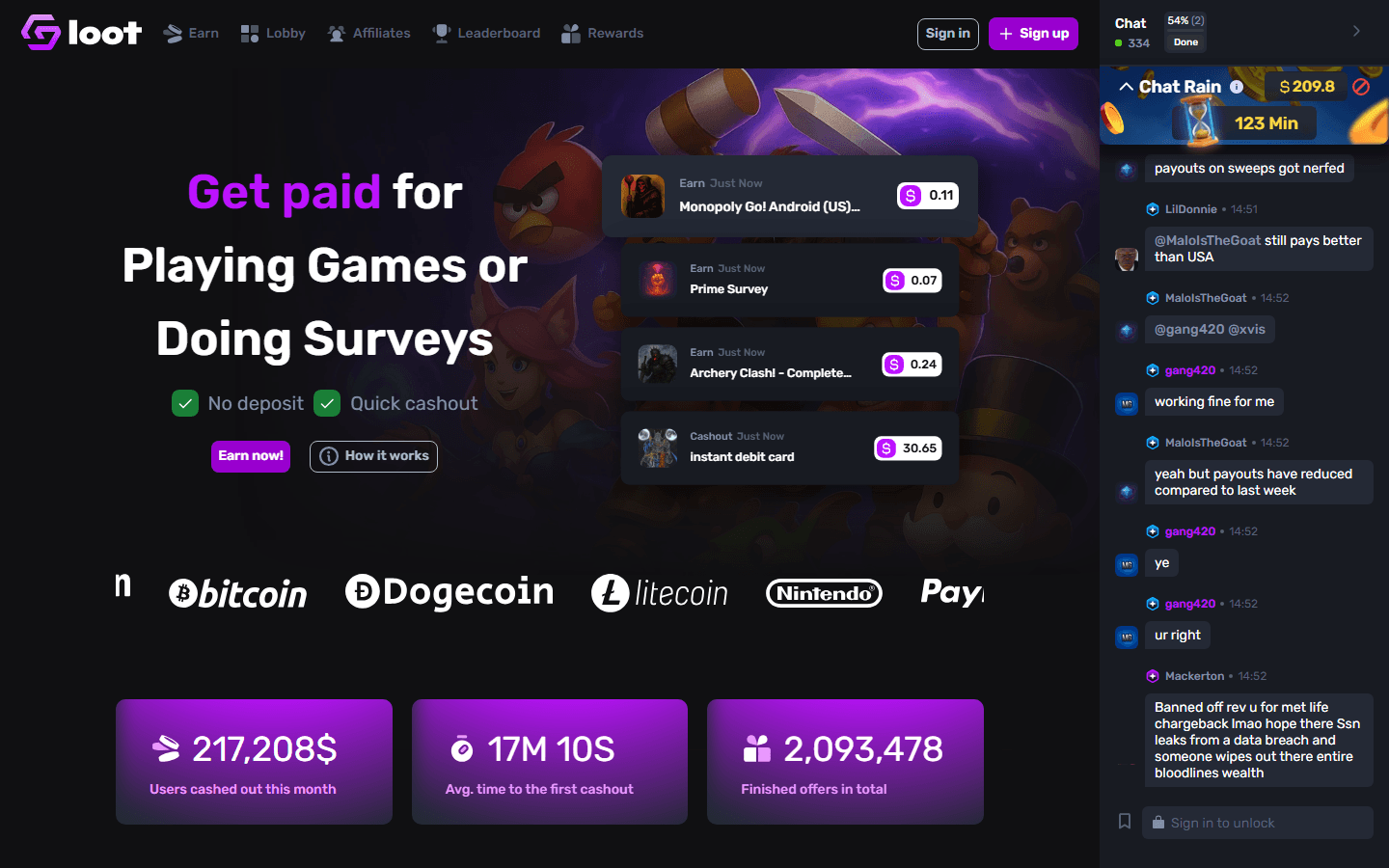
GemLoot is best treated as a gaming offerwall comparison site. Use it when you want another quote for mobile games and app offers, but verify every provider term before installing because gaming routes can change quickly.
What people check first
Questions this GemLoot guide answers
Site layout
How GemLoot is organized
GemLoot's notable differentiators are account-gated Ascend, VIP boosts, raffle tickets, and leaderboards.
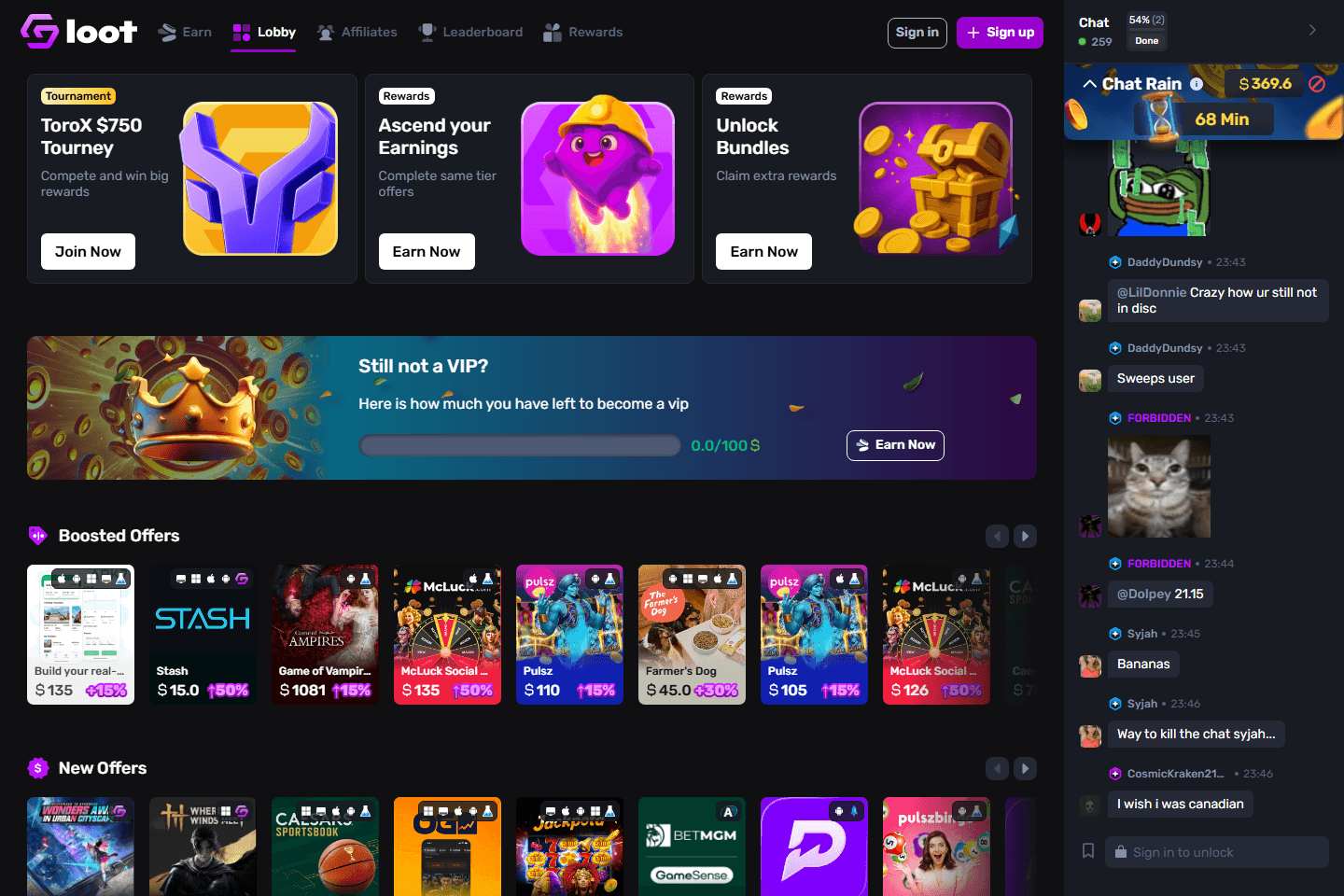
Ascend is visible from the public Lobby, but the actual offer eligibility and claim progress depend on the live Rewards flow in the user's account.
Public screenshots
The parts of GemLoot people actually want to inspect
These are browser-captured public screens and feature pages, paired with the practical details that determine whether the site is worth your time.
Ascend
Ascend bundles reward players for completing same-tier offers
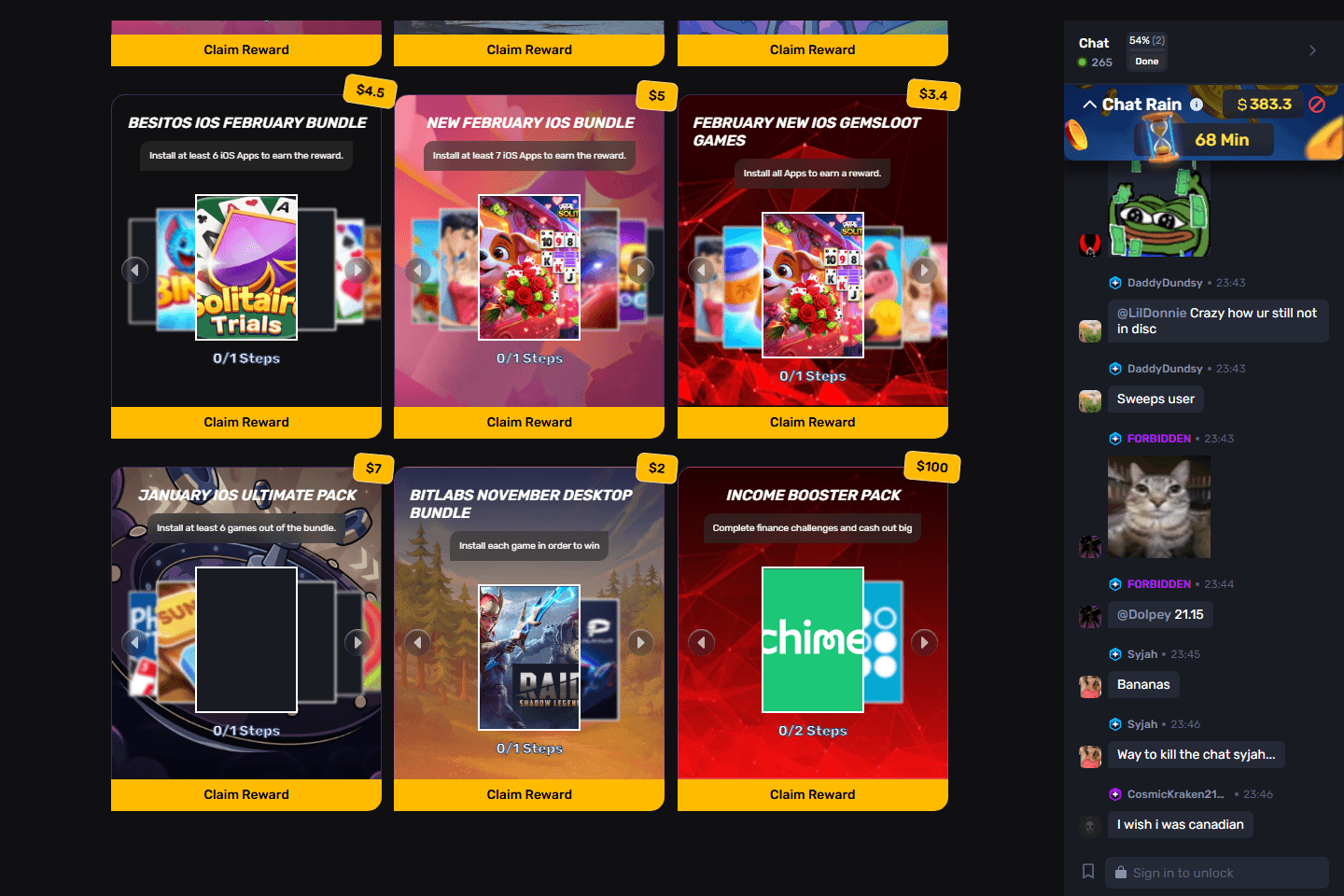
GemLoot's Lobby exposes Ascend your Earnings as a Rewards card, then routes into bundle-style screens where users complete same-tier app or offer groups for a bonus.
Mechanics to know
- Ascend/Bundles cards show how many apps or steps are required before the reward can be claimed.
- Visible examples include iOS app bundles, GemsLoot game bundles, desktop bundles, and finance challenge packs.
- The bonus amount appears on the card, while progress text such as 0/1 steps or 0/2 steps shows what is still missing.
- Before starting, open each app in the bundle and confirm it is new to you, available on your device, and still tied to the same bonus card.
The clean way to use Ascend is to treat the bonus card like a checklist: screenshot the card, finish only the listed apps, watch the step counter move, then claim once the button becomes eligible.
Offers, VIP, and live competition
GemLoot makes offers feel like a live rewards lobby
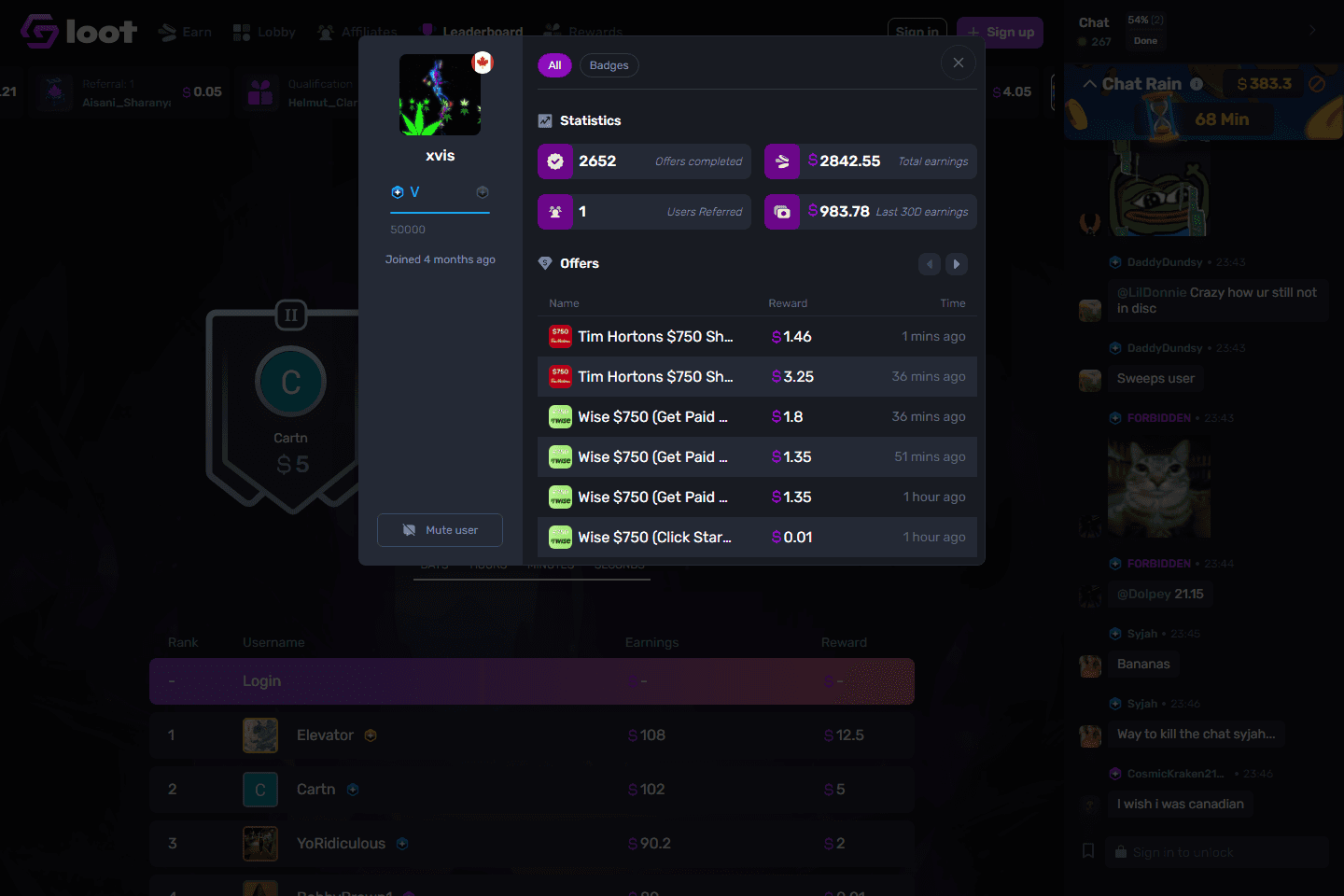
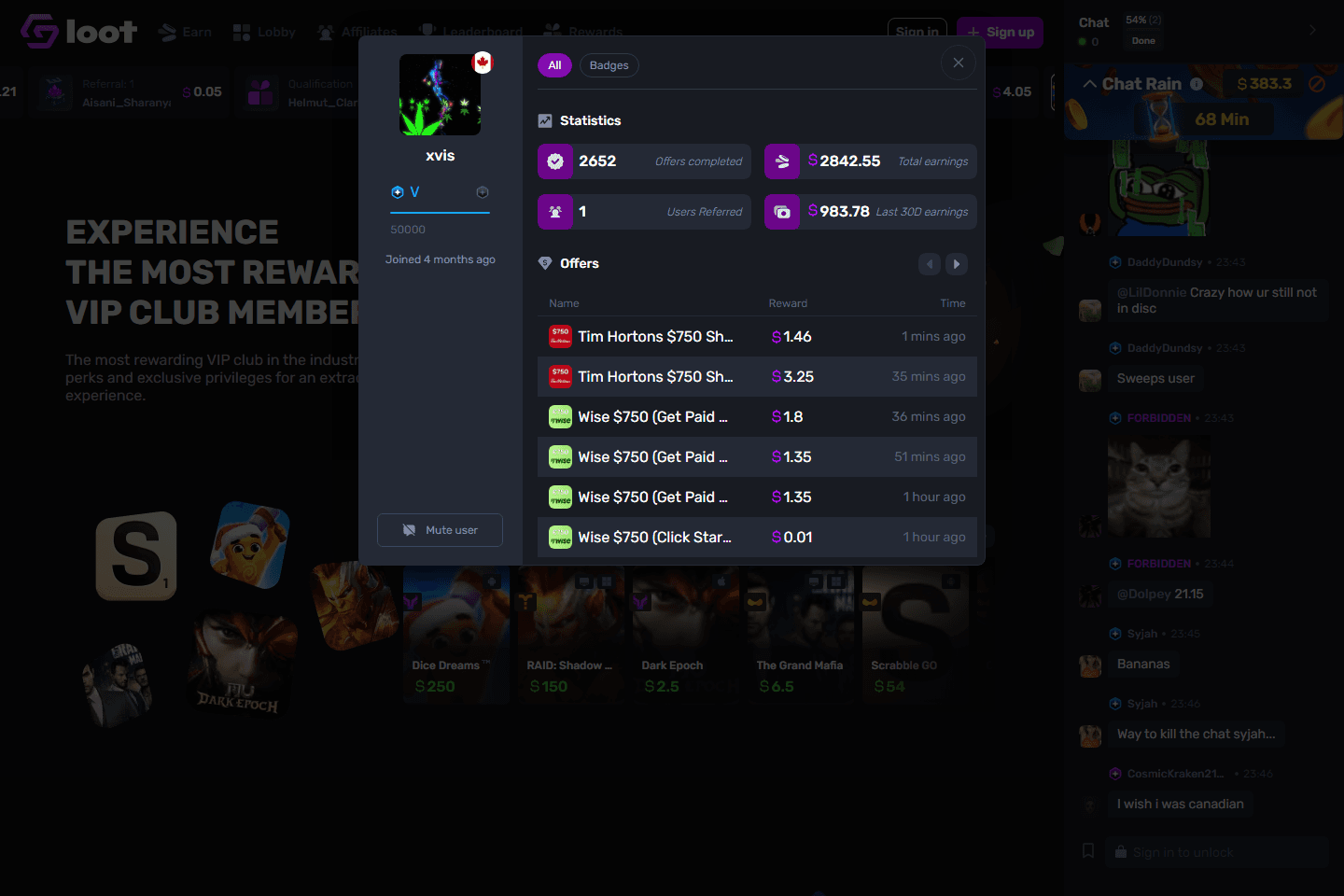
GemLoot combines provider cards, boosted offers, tournaments, chat rain, VIP progress, leaderboards, and profile stats so earning feels social and game-like.
Mechanics to know
- Boosted offers show the base payout plus visible bonus percentages.
- The chat rail shows active users, chat rain, and recent messages, which makes the site feel alive.
- VIP progress is tied to earnings volume and unlocks extra reward mechanics.
- Leaderboards and tournaments reward activity, but the offer terms still determine whether a route is worth doing.
For a guest comparing sites, GemLoot is worth inspecting when a game has boosted payout, an Ascend/Bundles bonus, or a tournament overlay. The route is strongest when all three point to the same offer and the deadline is realistic.
Where GemLoot is strong
- Useful for checking whether a game has a better alternate payout.
- Gaming-first positioning fits offerwall grinders.
- Can complement Gain.gg when comparing provider walls.
- Best used by users who already preserve screenshots and milestone proof.
What to verify first
- Offerwall availability and provider mix can shift.
- Duplicate installs can ruin tracking if you already played the game elsewhere.
- Small bonus mechanics can distract from the real hourly value of an offer.
- Support outcomes depend on provider evidence quality.
Best GemLoot strategy
- Search for the same game across GemLoot and other GPT sites before installing.
- Pick the route with the clearest deadline and strongest total payout, not just the biggest headline.
- Record provider name, offer ID if visible, milestone list, and country/device requirements.
- Cash out once early to understand the reward flow before pursuing larger offers.
GemLoot earning modes
GemLoot FAQ
Is GemLoot good for game offers?
Yes, its strongest use case is comparing gaming offer routes, but you still need to verify live terms before installing.
Can I use GemLoot and Gain.gg together?
Yes. They are useful comparison points when deciding which provider route has the best payout and clearest terms.
What screenshots matter on GemLoot?
Capture the provider name, total payout, milestone list, deadline, device and country rules, and completion confirmation screens.
Ready to try it?
Join GemLoot after checking the terms
Use the tracked EarnGrind route so signup clicks, platform choice, and guide context stay connected.