Palmon Survival Not Crediting?
Tracking issues, screenshots, proof checklist, support tips, and when to stop spending.
Guide navigation
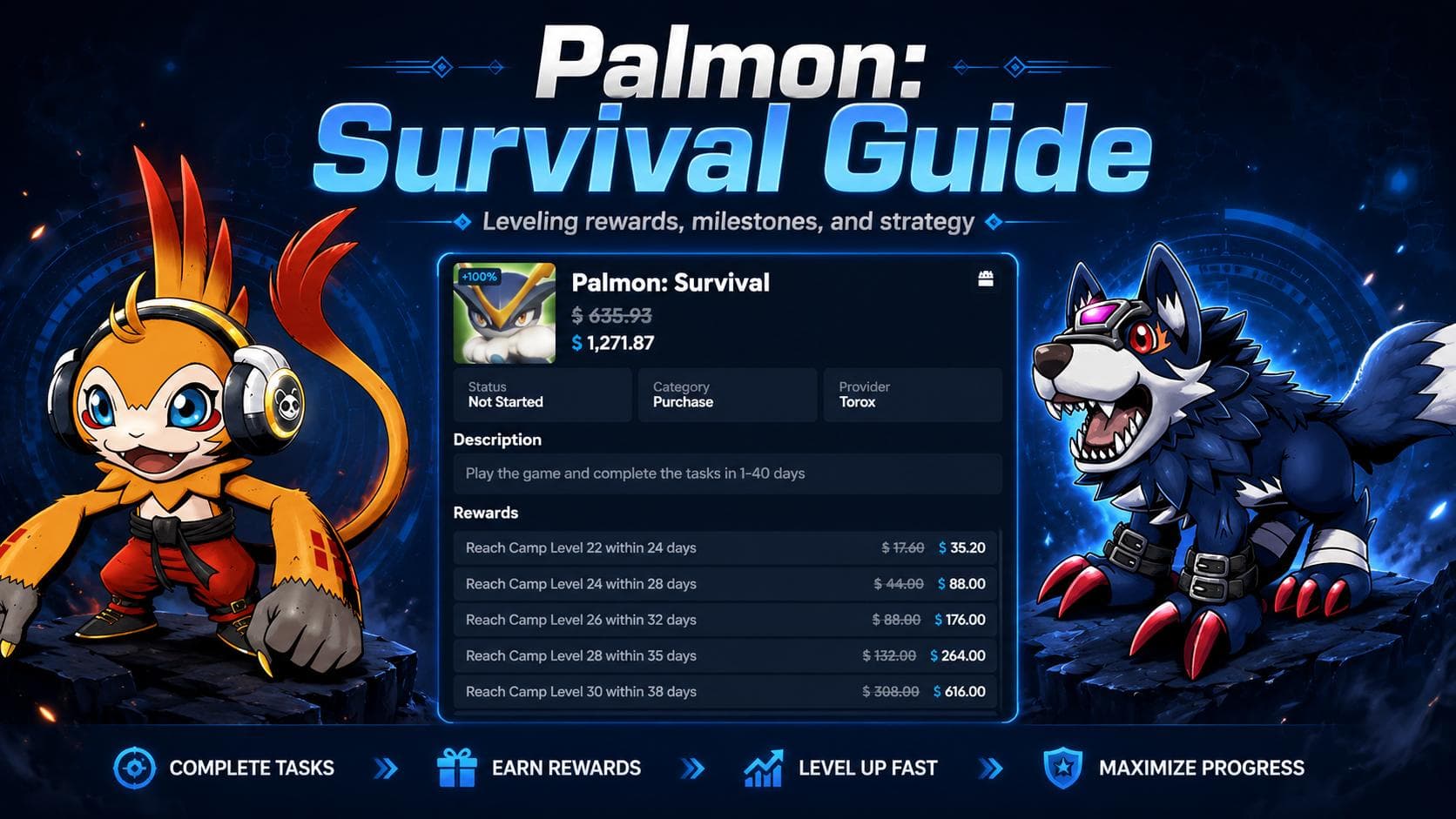
Palmon: Survival
This route is selected from the current offer feed. Compare live requirements, payout routes, and device/country fit before starting Palmon: Survival.
Open the matched offer route and confirm requirements before starting.
- ✓Tracking issues, screenshots, proof checklist, support tips, and when to stop spending.
- Save offer screenshots before install
- Screenshot every major Camp level
- Keep support ticket IDs
- Stop if early milestones fail and support rejects proof
Intro
If your Palmon: Survival milestone did not credit, you are not alone. Public community posts include reports of install tracking problems, Camp 23 rejections, rewards stopping after earlier levels, and platform support frustration. That does not prove every Palmon offer will fail, but it does mean users should treat proof as part of the strategy.
This page is not about how to play Palmon faster. It is about protecting yourself before and during the offer. High-payout mobile game offers are usually tracked by a chain of systems: GPT platform, offerwall provider, mobile attribution, app install, device eligibility, and milestone event reporting. If any part breaks, screenshots and timestamps matter.
Quick Answer
If a Palmon milestone does not credit, wait 24-48 hours unless your platform's terms say otherwise. Some tasks can pend or delay. If it still does not show, contact the platform where you started the offer with screenshots of the original offer, task list, completed Camp level, account/profile proof, and completion time.
Do not spend heavily if early milestones fail to track. Missing credit at Camp 13, Camp 16, or Camp 20 is a warning sign before chasing Camp 22, Camp 24, or Camp 26.
Before You Install
The best time to protect yourself is before the app opens.
Screenshot before install:
- Offer page.
- Platform name.
- Provider name, such as Torox/TyrAds/etc. if shown.
- Full task list.
- Payout amount.
- Deadline for each milestone.
- Device rules.
- New-user / first-install rules.
- Purchase requirements.
- Pending period.
- Date and time.
Use the exact offer link. Do not manually search the app store unless the platform tells you to. Do not switch devices. Do not use VPNs or privacy tools that violate the platform terms. Do not create a second account to retry unless the platform explicitly allows it.
During the Offer
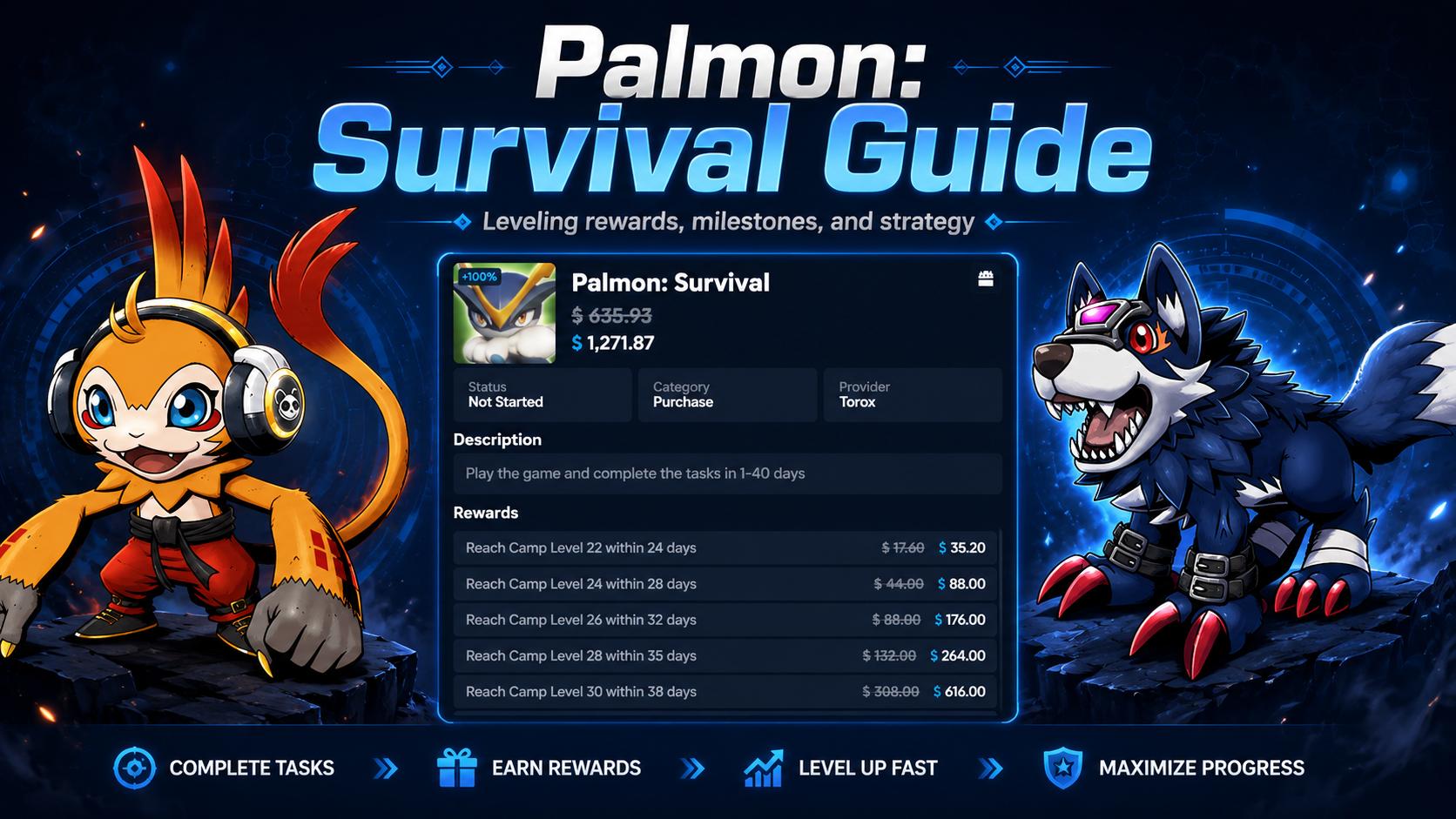
Screenshot every major milestone before closing the app.
For each milestone, save:
- Camp level screen.
- Account/profile screen if available.
- Date and time.
- Offerwall task list.
- Pending/credited status.
- Purchase receipt if you made a required purchase.
- Any message showing the offer is still active.
Create a folder on your phone called "Palmon Proof" and store images by date. Example: "Day 3 Camp 13," "Day 7 Camp 16," "Day 15 Camp 20." This makes support tickets much easier later.
Why Palmon Tracking Can Fail
Possible causes include delayed event reporting, install not attributed correctly, device/account ineligibility, platform/provider outage, missing purchase attribution, offer disappearing, reward value changes, or support rejecting proof. The user cannot always know which one happened. That is why the support message should be short, factual, and evidence-based.
Avoid claiming fraud in the first ticket. Start with proof. Escalate only if support rejects a valid claim or asks for unclear additional evidence.
What To Do If Install Does Not Track
If the install/open task does not track within the stated window:
Screenshot the offer page and your app install/open status.
Wait the platform's stated tracking window, commonly 24-48 hours if no other rule is shown.
Do not make purchases while the install is untracked.
Contact support with the install timestamp, offer screenshot, and app/account proof.
If the install never tracks, consider stopping. Later milestones may not credit either.
Install not tracking is more serious than a late milestone. If the offer never recognizes the app, spending is dangerous.
What To Do If Camp 13 Does Not Credit
Camp 13 is early enough that missing credit should make you cautious.
Do this:
Screenshot your Camp 13 screen.
Screenshot your account/profile screen.
Screenshot the offerwall task list.
Check whether the task says pending.
Wait 24-48 hours unless terms say otherwise.
Contact support if it still has not credited.
Do not spend heavily while waiting.
If Camp 13 does not track, be careful about pushing Camp 20+ or buying packs. You may still enjoy the game, but the offer risk is higher.
What To Do If Camp 18-20 Stops Tracking
If Camp 13 credited but Camp 18 or Camp 20 does not, gather evidence that earlier milestones worked and the current one should have triggered. This helps prove continuity.
Send support:
- Original offer screenshot.
- Screenshot of earlier credited milestones.
- Current Camp screen.
- Account/profile proof.
- Date and time completed.
- The exact task name and deadline.
Pause spending while waiting. If support does not resolve it, do not assume Camp 22+ will fix itself.
What To Do If Camp 23 / Camp 24 / Camp 26 Does Not Credit
Late milestones are more serious because you may have spent days or money.
Gather:
- Original offer screenshot.
- Current task list.
- Camp completion screenshot.
- Account ID/profile proof.
- Date and time completed.
- Any purchase receipts.
- Screenshots of earlier credited milestones.
- Support ticket numbers from earlier issues.
Then contact support through the platform where you started the offer. Keep the first message short. Support needs evidence, not a long story.
Support Message Template
Subject: Palmon: Survival milestone not credited
Hello, I completed the Palmon: Survival offer milestone for [Camp level / task name] on [date/time], but it has not credited or pended in my account.
I installed the game through the offer link and have attached screenshots showing:
- The original offer terms.
- My completed Camp level.
- My account/profile information.
- The date/time of completion.
- Earlier credited milestones, if relevant.
- Any relevant purchase receipt, if applicable.
Can you please review the tracking for this milestone?
Thank you.
Escalation Message Template
Use this only if the first ticket is rejected or unresolved.
Hello, I am following up on my Palmon: Survival milestone ticket for [Camp level]. The milestone was completed before the deadline, and I have attached proof showing the original offer terms, my account/profile, the completed Camp level, and the completion date/time. Earlier milestones on the same offer [did/did not] track correctly.
Could this please be re-reviewed or escalated to the offerwall/provider? If additional proof is required, please let me know exactly what is missing.
Thank you.
When To Stop Playing
Stop or pause the offer if:
- Install/open did not track.
- Camp 13 or Camp 16 did not credit.
- Support rejects proof for a valid milestone.
- The offer disappears from your dashboard.
- Reward values change unexpectedly.
- You are considering spending without proof of tracking.
- You are close to a deadline and missing key credits.
- The next milestone requires more spend than remaining profit.
The worst outcome is spending more money to chase a milestone that never credits.
Screenshot Checklist
Before install
- Offer terms.
- Payout.
- Full task list.
- Deadline.
- Provider/platform.
- Device rules.
- New-user rules.
- Purchase rules.
During play
- Camp 6.
- Camp 13.
- Camp 16.
- Camp 18.
- Camp 20.
- Camp 22.
- Camp 24+.
- Profile/account screen.
- Pending/credited status.
- Purchase receipts.
After support contact
- Ticket number.
- Support response.
- Any escalation response.
- Final credit/payout screenshot.
Common Tracking Mistakes
- Installing before screenshotting the offer.
- Switching devices.
- Using a different game/platform account.
- Using VPN or blockers that violate terms.
- Waiting too long to report missing credit.
- Deleting the app before credit posts.
- Spending after early milestones fail.
- Not saving Camp completion proof.
- Assuming a late milestone will credit because early ones did.
- Contacting the wrong platform/provider.
Platform-Specific Notes
Freecash-style issues
Community discussion around Palmon is especially heavy on Freecash, including tracking complaints, Camp 23 disputes, and reward activation issues. That does not mean every Freecash route will fail, but it does mean users should be extra careful with screenshots and spending decisions.
Swagbucks/Prodege-style issues
Indexed Swagbucks pages show Palmon tasks and pending-style rules. Users should check the exact pending window on their task page and keep proof until the pending period is over.
EarnLab/Torox-style routes
EarnLab public snippets have shown a Palmon route with a 1-40 day completion window. If using EarnLab/Torox, screenshot the full task list and keep provider/platform names visible in your proof.
FAQ
How long should I wait before contacting support?
Wait 24-48 hours unless your platform terms say a different window. If the milestone has a stated pending period, follow that first.
Should I keep playing if Camp 13 does not credit?
Be cautious. Camp 13 is early enough that missing credit can warn you before wasting more time or money.
Should I spend if the install did not track?
No. If install/open did not track, later purchase or Camp events may not track either.
What proof matters most?
Original offer screenshot, completed Camp screen, account/profile proof, date/time, and purchase receipt if relevant.
Can support still reject my claim?
Yes. Proof improves your chance, but it does not guarantee credit. That is why you should avoid heavy spending until early milestones track.
Screenshot the offer page, task list, payout, deadline, device rules, and player profile.
Wait 24-48 hours before support unless the platform terms say otherwise.
Do not spend heavily if early milestones fail to track.
Send support clear timestamps, screenshots, account proof, and the exact missing milestone.
Palmon: Survival
This route is selected from the current offer feed. Compare live requirements, payout routes, and device/country fit before starting Palmon: Survival.
Open the matched offer route and confirm requirements before starting.
Compare live routes, payouts, and platform options.
Check available payout paths before starting.
Find other walkthroughs with better effort-to-reward fit.
Palmon: Survival
This route is selected from the current offer feed. Compare live requirements, payout routes, and device/country fit before starting Palmon: Survival.
Use the matched route to start earning from this guide.
Stay updated
Get the week's highest-paying offers
Free. No spam. Unsubscribe anytime.